Best Ways to Use a Landscaping App When You Don’t Know Where to Start
April 24, 2026
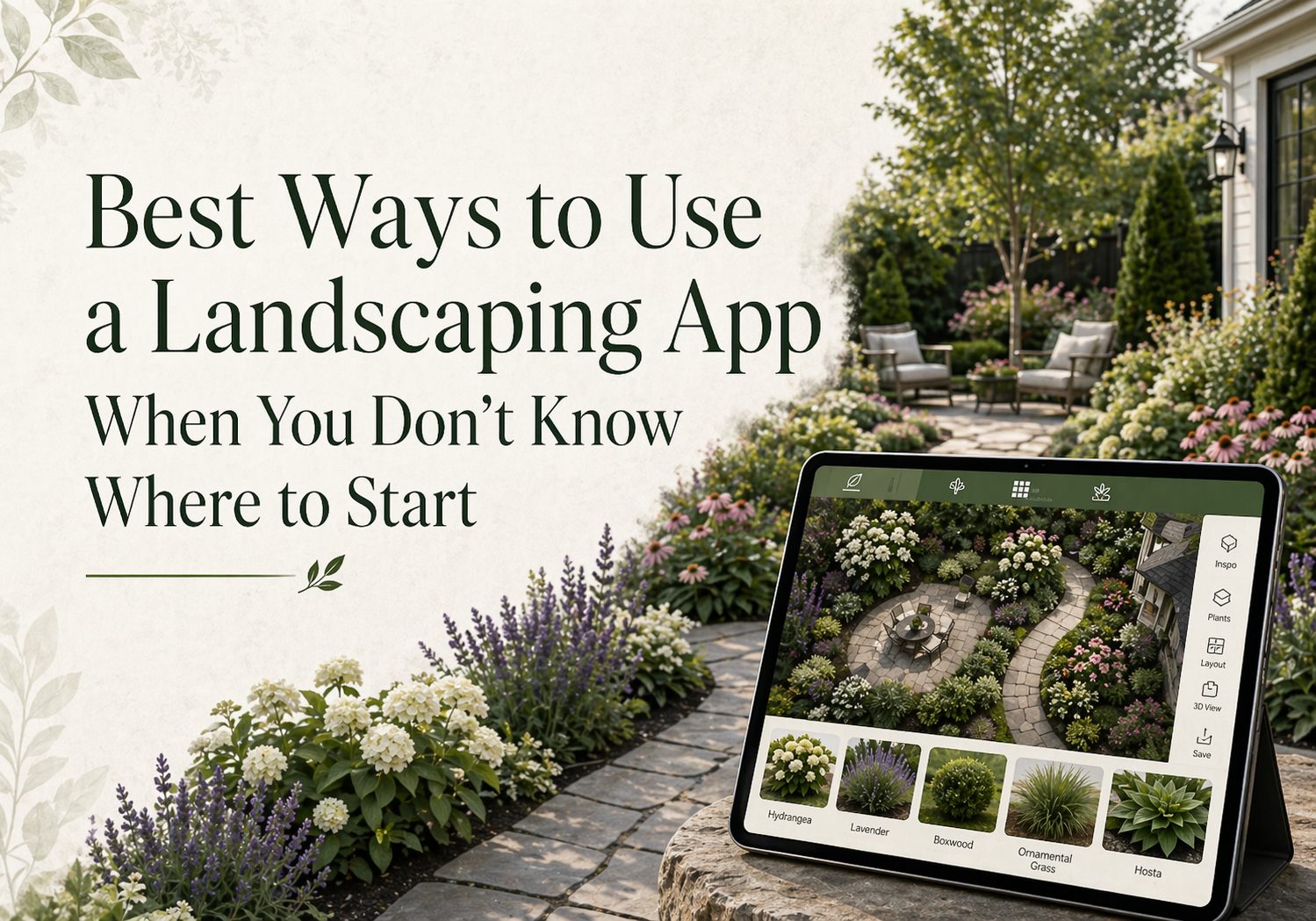
Planning a new yard design can feel difficult when you have no clear starting point. You may know your front yard looks empty, your backyard feels unfinished, or your flower beds need more life, but turning that thought into a real design is not always easy.
Many professionals and homeowners make the mistake of buying plants, stones, mulch, or decor first and then trying to make everything fit. This can lead to poor spacing, mismatched colors, wasted money, and a yard that still does not feel complete. A landscaping app like iScape helps solve this problem by letting you plan your outdoor space visually before you start planting or building. You can test different layouts, add plants, compare ideas, and see how your yard may look before spending money on materials or labor. Here are the best ways to use a landscaping app when you do not know where to start.
Start by Understanding What Your Yard Needs
Before adding new plants or features, take a few minutes to study your yard. Do not start with the question, “What should I buy?” Start with, “What is missing?” Your yard may need:
- More color
- Better plant spacing
- A cleaner walkway
- A defined flower bed
- More privacy
- A seating area
- Better lighting
- A focal point
- More shade
- A stronger border around plants
This step helps you avoid random decisions. For example, if your yard looks empty, you may need shrubs, layered plants, or a tree. If it looks messy, you may need edging, mulch, or a cleaner layout. If it feels flat, you may need height variation with tall plants, medium shrubs, and low ground covers. A landscaping app helps because you can test these changes on your actual yard photo instead of guessing.
Take a Clear Photo of the Space
A clear photo gives you a better base for planning. Stand far enough back so the full area is visible. Take the photo in natural light and avoid strong shadows if possible. Try to capture:
- The full lawn or garden bed
- Existing plants
- Walkways or driveways
- Walls, fences, and borders
- Empty corners
- Doors, windows, and entry points
With iScape, you can use your photo as the base of your design. This makes the planning more realistic because you are working with your real space, not a blank template.
Choose One Area to Design First
If you try to redesign the whole yard at once, the project can feel confusing. Start with one clear area. Good beginner areas include:
- Front yard entry
- Side yard walkway
- Backyard sitting area
- Flower bed near the house
- Fence line
- Patio corner
- Empty space around a tree
- Garden border near the driveway
This makes the project easier to manage. Once one area looks good, you can continue with the next section. For example, if your front yard feels plain, start with the area near the main entrance. Add a border, a few shrubs, seasonal flowers, and mulch in the app. This small change can improve the whole look of the home.
Set a Simple Goal for the Design
Before you start placing plants and hardscape items in the app, decide what you want the space to do. Your goal may be:
- Make the front yard look fuller
- Add privacy from neighbors
- Create a relaxing backyard corner
- Improve curb appeal
- Make a low-maintenance garden
- Add spring color
- Create a safer walkway
- Make the yard look clean and organized
A clear goal keeps the design focused. Without a goal, it is easy to add too many ideas and make the yard look crowded. For example, if your goal is low maintenance, you may choose evergreen shrubs, mulch, stone borders, and fewer seasonal flowers. If your goal is color, you may test flower combinations and blooming plants in the app.
Use the App to Test Layout Options
Layout is one of the biggest parts of landscaping. The same plants can look very different depending on where you place them. With iScape, you can test different layouts before making any real changes. You can compare:
- Curved vs. straight flower beds
- Wide vs. narrow walkways
- Tall plants near the wall vs. near the fence
- A small patio vs. a planted corner
- Grouped plants vs. scattered plants
- Mulch beds vs. stone beds
This helps you see what works best with your home, lawn shape, and outdoor space. A good layout should make the yard feel balanced. The path should feel natural, plants should not block important areas, and the design should guide the eye toward the best parts of the home.
Plan Plant Layers for a Fuller Look
Many beginner landscapes look empty because the plants are all the same height or placed too far apart. A fuller yard usually needs layers. A simple plant layering method is:
Back layer: Tall shrubs, small trees, ornamental grasses, or privacy plants
Middle layer: Medium shrubs, flowering bushes, or compact evergreens
Front layer: Low flowers, ground covers, edging plants, or small perennials
This creates depth and makes the design look more complete. In iScape, you can test different plant heights and positions before planting. This is useful because young plants may look small at first, but they can grow wider and taller over time. Planning ahead helps prevent overcrowding later.
Mix Plants With Hardscape Features
A yard needs more than plants to feel finished. Hardscape features add structure and make the design look planned. Hardscape can include:
- Walkways
- Pavers
- Garden edging
- Gravel
- Stone borders
- Retaining walls
- Fire pits
- Patio areas
- Raised beds
- Outdoor seating
- Decorative rocks
Softscape includes:
- Grass
- Trees
- Flowers
- Shrubs
- Ground covers
- Vines
A strong landscape design usually uses both. For example, a flower bed may look better with stone edging. A patio may feel softer with shrubs around it. A walkway may look more welcoming with flowers on both sides. Using iScape, you can place hardscape and plants together to see how they balance each other.
Test Colors Before Buying Plants
Flower color can improve a yard quickly, but too many colors can make the space look busy. A landscaping app lets you test color combinations before buying plants. You can try:
- White and green for a clean look
- Pink and purple for a soft garden style
- Yellow and orange for a bright spring look
- Red and burgundy for contrast
- Blue and purple for a calm look
- Mixed seasonal flowers for a colorful border
The best color choice depends on your home exterior, garden style, and personal taste. For a clean design, choose two or three main colors and repeat them across the yard. This creates a more organized look than using many random colors.
Use the App to Plan for Sun and Shade
A plant may look beautiful in the app, but it still needs the right growing conditions in real life. Before finalizing your design, think about sunlight. Check which areas get:
- Full sun
- Partial sun
- Morning sun
- Afternoon sun
- Full shade
Then choose plants that fit those conditions. For example, some flowers need strong sunlight, while others grow better in shade. Some shrubs can handle heat, while others may need cooler or protected spots. A landscaping app helps with the visual plan, but you should still match plants to the actual conditions in your yard. This makes the design more practical and long-lasting.
Think About Maintenance Before Finalizing the Design
A design may look great, but it should also fit your lifestyle. If you are busy, avoid a plan that needs constant pruning, watering, and replanting. For a low-maintenance yard, consider:
- Native plants
- Drought-tolerant plants
- Mulch to reduce weeds
- Evergreen shrubs
- Simple plant groupings
- Stone or gravel areas
- Automatic irrigation
- Fewer high-care flowers
Use iScape to compare a high-color design with a low-maintenance design. This helps you choose a yard that looks good and stays manageable.
Create a Budget-Friendly Design
Landscaping can become expensive when there is no plan. A landscaping app helps you avoid buying items that do not fit your space. To keep the project budget-friendly:
- Design first, buy later
- Use existing plants where possible
- Start with one area
- Reuse stones, pots, or edging
- Choose fewer but better plants
- Add mulch for a cleaner look
- Complete the project in phases
Once your design is ready, you can make a shopping list based on what you actually need. This keeps your spending more controlled.
Build Your Yard in Phases
You do not have to finish the full yard in one weekend. Many good landscape designs are completed in phases. You can divide the work into stages:
Phase 1: Clean the area, remove weeds, shape the bed
Phase 2: Add edging, soil, mulch, or stone
Phase 3: Plant shrubs, trees, or main structure plants
Phase 4: Add flowers, ground covers, lights, or decor
Phase 5: Review the design and make small changes
Using iScape, you can plan the full design first but complete it step by step. This makes the project less stressful and easier on your budget.
Share the Design Before Starting Work
If you are working with family members, a landscaper, or a contractor, a visual design makes communication easier. Instead of explaining everything with words, you can show what you want. A visual plan can help explain:
- Where plants should go
- What style you prefer
- How wide the flower bed should be
- Where the walkway or patio should sit
- Which areas should stay open
- What the final look should feel like
This can reduce mistakes and help everyone stay on the same page.
How iScape Helps When You Do Not Know Where to Start
iScape is useful for homeowners who want to improve their outdoor space but feel unsure about the first step. The app helps turn rough ideas into a visual plan. With iScape, you can:
- Use your yard photo as a design base
- Add plants, trees, flowers, and hardscape features
- Try different layouts before buying materials
- Compare multiple design ideas
- Plan one section or the full yard
- Share your design with others
- Visualize the finished look before starting the work
This is helpful because landscaping is easier when you can see the idea first. You do not have to guess how a flower bed, patio, walkway, or plant layout may look. You can test it, adjust it, and move forward with more confidence.
Common Mistakes a Landscaping App Can Help You Avoid
A landscaping app is not only useful for creating pretty designs. It can also help you avoid common mistakes. These include:
- Buying too many plants
- Choosing plants that do not match the space
- Making flower beds too small
- Placing plants without layers
- Forgetting walkways and borders
- Ignoring plant height
- Using too many colors
- Crowding the yard with decor
- Starting without a clear plan
- Spending money before testing the idea
By planning visually, you can spot many of these problems before they happen.
Simple Beginner Workflow for Using iScape
If you are new to landscaping, follow this simple process:
- Choose one area of your yard.
- Take a clear photo of that space.
- Decide what the area needs.
- Set one main goal for the design.
- Add key features in iScape.
- Test different plant and hardscape layouts.
- Check color, spacing, and balance.
- Make a shopping list.
- Complete the project in small phases.
- Review the final result and adjust as needed.
This workflow keeps the process simple and helps you move from confusion to a clear outdoor plan.
Final Thoughts
When you do not know where to start with landscaping, the best step is not buying plants. The best step is planning. A landscaping app like iScape helps you see what is possible before you spend money or make permanent changes. You can test layouts, compare plant choices, add hardscape elements, plan in phases, and create a design that fits your space, budget, and lifestyle. Whether you want a cleaner front yard, a fuller garden bed, a better patio area, or a complete backyard update, iScape gives you a simple way to start with confidence.
Start Your Yard Design With iScape for Free
Not sure where to begin with your yard? Start by seeing your ideas first. With iScape, you can upload a photo of your outdoor space, test plants, add hardscape features, compare layouts, and plan your design before spending money on materials or labor.
Start creating a yard plan you can actually see, adjust, and build with confidence. Download iScape on the App Store or Google Play Store today and start designing. Try a free trial today at iScape!