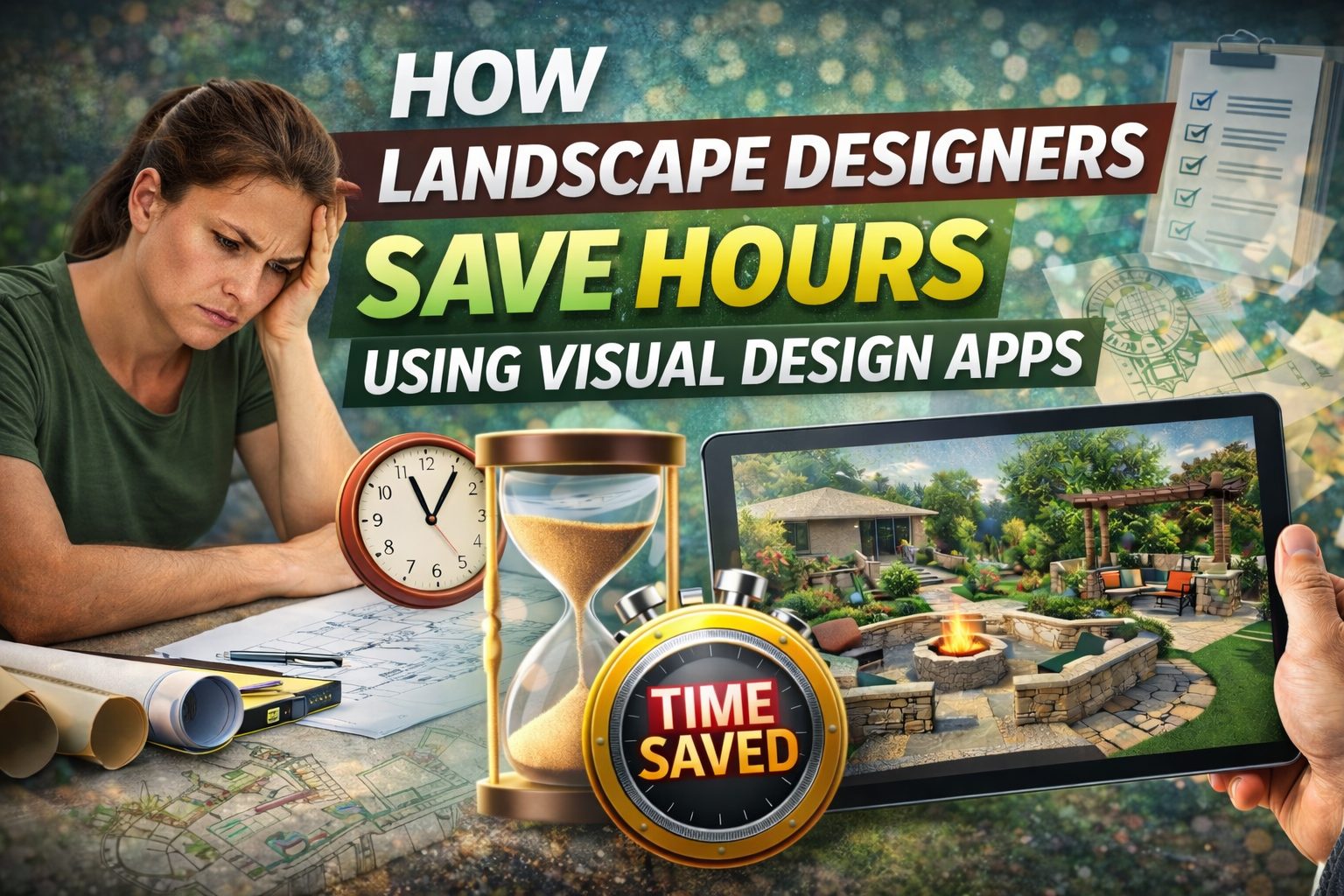
Landscape design has always required creativity, problem-solving, and strong communication, but the part that quietly eats up the most time is rarely the “design.” The real-time drain shows up in the back-and-forth: explaining ideas, chasing approvals, revising layouts because a client pictured something different, and rebuilding trust when expectations shift mid-project.
That is why visual design apps have become a practical advantage for landscape professionals. They do not replace good site analysis or construction knowledge, and they do not eliminate the need for accurate measurements, but they can remove a huge amount of friction from the design-to-approval phase. When clients can actually see what you mean, decisions happen faster, revisions shrink, and your work moves forward instead of looping.
Below are the most common ways landscape designers save hours using visual design apps, along with a workflow you can apply immediately.
Where the hours really go in a traditional design process
Most pros recognize these time sinks because they repeat across projects:
You spend time translating a client’s vague idea into something specific, and then you spend more time translating your plan back into something the client can understand. You also lose hours when feedback arrives late or comes from multiple stakeholders with different opinions, because you end up revising the same concept multiple times without a clear decision point. Even when you are efficient, a static plan can create uncertainty about spacing, elevation feel, planting density, and how the finished yard will “read” from key viewpoints like the patio door or kitchen window.
Visual design apps reduce these gaps because they turn your design intent into something clients can respond to clearly.
1) They reduce explanation time by making ideas instantly understandable
When you present a design through sketches, notes, or reference images, clients often agree in the moment but remain unsure because they are still imagining the result. That uncertainty leads to follow-up questions, more calls, and extra revisions that do not improve the design, they simply improve understanding.
With a visual design app, you can show the concept in context using a photo of the actual property. That shift alone changes the quality of feedback. Instead of “I don’t know,” you get responses like “the path feels narrow,” “the seating should rotate,” or “I want more privacy on that side.” Those are actionable comments that take minutes to address instead of hours of back-and-forth.
2) They speed up approvals by preventing scale confusion
Scale is the most common reason a design slows down after the first presentation. A patio looks perfect on paper, but once a client imagines furniture placement, it suddenly feels small. A planting bed looks balanced in plan view, but from eye level it might feel heavy, block sightlines, or overwhelm a walkway.
Visual apps help you validate scale earlier because the client sees proportions in the real setting. When scale issues are spotted early, you avoid the most expensive type of revision, which is changing layout decisions after you have already moved into material selection and estimating.
3) They help you present two strong options without doubling your workload
Professionals often hesitate to show multiple concepts because building additional options takes time. The problem is that many clients need comparison to make confident decisions. If you only show one direction, you may trigger a slow cycle of “what if we also tried…” requests that expands the scope anyway.
Visual design apps make controlled optioning easier. You can present two variations that solve the same goals in different ways, such as a “low maintenance” version and an “entertaining-focused” version, and guide the client to select a direction quickly. When the client chooses a lane early, refinement becomes faster because you are improving one solution instead of repeatedly restarting the decision.
4) They reduce revision rounds by turning vague feedback into specific edits
A slow design process is usually a feedback problem, not a design problem. When feedback is emotional or unclear, revisions become guesswork. Guesswork leads to more rounds, and more rounds lead to lost hours.
Visual apps help because they create concrete reference points. When the client can point to a spot on the screen and say “I want screening here,” your revision is targeted. When they can see that moving a fire feature impacts circulation, they make decisions faster because trade-offs become obvious.
5) They cut unnecessary site visits and “re-measure” appointments
Many design delays come from extra site visits that happen only because something was unclear. Sometimes the client wants to “walk it again.” Sometimes a stakeholder finally engages and requests changes. Sometimes the designer wants to double-check spacing because the plan is being questioned.
A visual workflow reduces those visits because you can validate decisions remotely with clearer visuals, especially when the app-based concept is built from a current photo and you keep the design updated as you iterate. You still need accurate measurements for build-ready work, but you can reduce the number of trips spent simply aligning on concepts.
6) They streamline client presentations and improve close rate
Time saved is not only about minutes on revisions. It also shows up in how quickly a client commits. If your presentation creates confidence, you shorten the gap between consultation and approval, which improves scheduling and helps keep your pipeline predictable.
Visual design apps support stronger presentations because the work feels tangible. Clients are more likely to approve a deposit or move forward when they can see a realistic direction rather than a set of technical drawings they do not know how to interpret.
7) They keep projects moving when multiple stakeholders are involved
If you work with HOAs, property managers, spouses, or committees, you already know that delays happen when feedback is scattered. One person approves, another objects later, and the project resets.
Visual apps help because they give everyone a shared reference. When stakeholders see the same visual, they can provide consolidated feedback faster. This does not eliminate stakeholder dynamics, but it makes them easier to manage because you are not trying to align opinions across different interpretations of the design.
A practical “hours-saving” workflow for landscape professionals
If you want a repeatable process that keeps projects moving, this sequence works well:
You begin with a structured discovery, where you document goals, constraints, must-haves, and maintenance expectations. You then create a visual concept quickly, using the property photo to show the layout direction. Next, you present two controlled variations if needed, so the client can choose a direction without endless what-if requests. Once the direction is selected, you lock the layout and only refine within that framework, which prevents big layout decisions from reopening. After that, you align material and planting direction, confirm budget expectations, and move into final documentation for installation.
The key is that each stage has a clear approval moment. Visual apps make those approval moments faster because clients can see what they are approving.
What to look for in a visual design app as a professional
Not every tool is built for the way pros work. If your goal is saving hours, prioritize an app that helps you move quickly while still presenting polished output.
Look for a tool that lets you design on real property photos, create and compare variations easily, maintain an organized library of commonly used elements, and share visuals in a client-friendly way. You also want a workflow that supports early concept clarity without forcing you into heavy production work before the client has committed.
How iScape helps designers move faster
For many landscape professionals, the biggest speed boost comes from making the early-stage concept easier to understand. When clients can visualize a design direction sooner, they give clearer feedback, they approve faster, and your revisions become smaller and more controlled.
iScape is built around visualizing landscape ideas in a way that helps clients see the outcome rather than guess it, which can reduce the time spent explaining, revising, and re-selling the same concept across multiple meetings. When your process shifts from “describe” to “show,” you protect your hours and keep projects moving toward install.
Turn your next design into a faster approval
If your current process is slowing down because revisions keep stacking up and clients take too long to decide, a visual-first workflow can be the simplest fix. Download the iScape app and use it on your next client concept so you can present clearer options, get more actionable feedback, and move from design to approval with fewer rounds. Download iScape on the App Store or Google Play Store today and start designing your front yard now!