Your landscape should look beautiful year-round—not just for one season. But without a plan, it's easy to end up with bursts of color in spring and nothing but green in summer. With iScape, you can plan seasonal plantings that thrive through every phase of the year and visualize how your yard will evolve before planting a single flower.
Here's how to make smart, stunning seasonal planting plans using iScape.
1. Start with a Year-Round Vision
Open iScape and map out your space. Use the Augmented Reality (AR) option to scan your yard or upload a photo to get started with your design. Think beyond one season—plan how your yard transitions from spring to fall.
Layer plants with staggered bloom times and varying textures to create a visually appealing display. For example:
- Spring: Tulips, daffodils, or viburnum for early color.
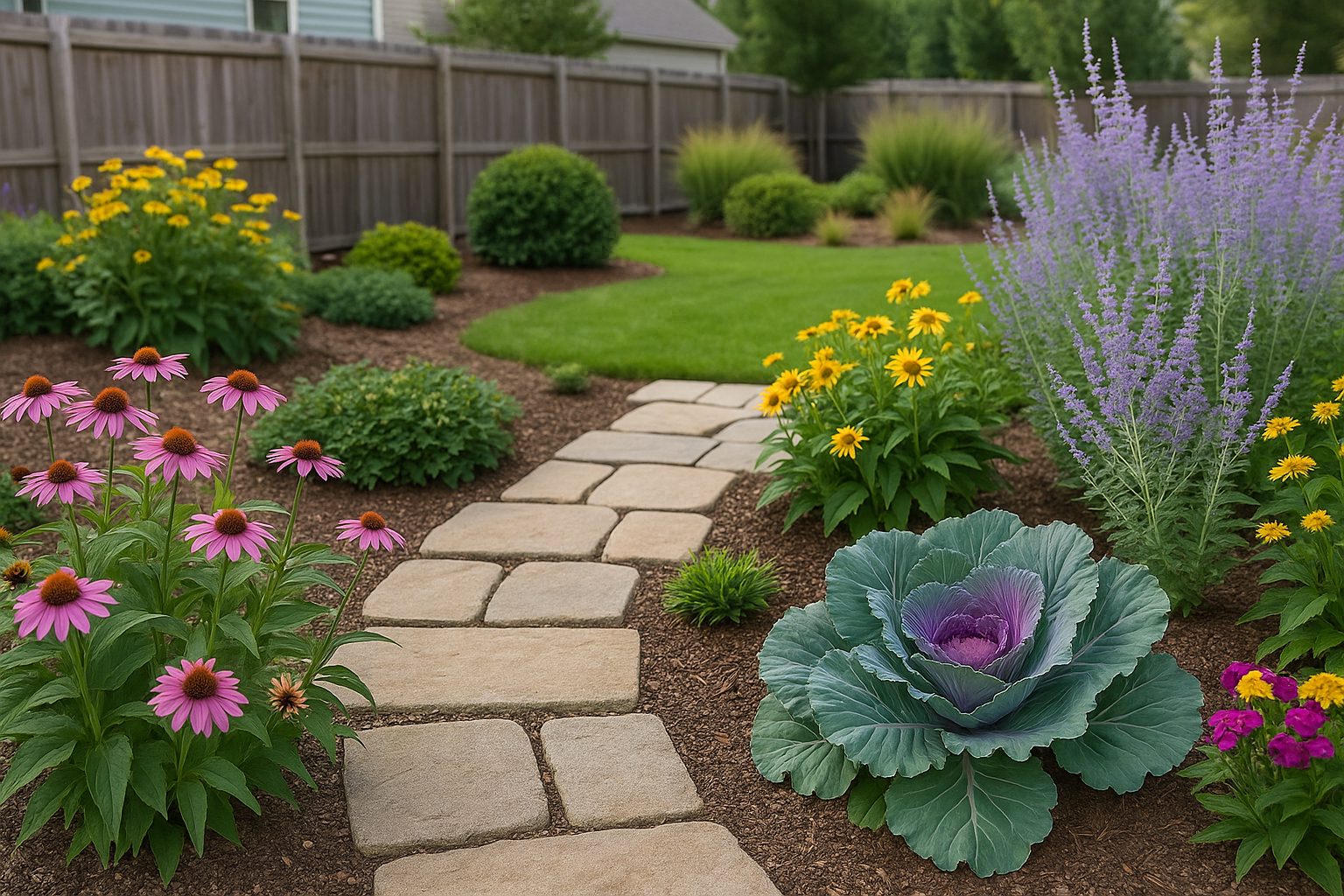
- Summer: Consider coneflowers, daylilies, or hostas for added fullness.
- Fall: Ornamental kale, asters, and grasses for structure and tone.
Designing in iScape helps you visualize how these phases flow together, ensuring your landscape always looks full and lush.
2. Use Zones and Light to Your Advantage
Every yard has microclimates. Use iScape to plot out sunny, shady, and partially shaded areas, then select plants that thrive in each zone.
For example:
- Sunny beds: Lavender, salvia, or black-eyed Susans.
- Shaded areas: Ferns, coral bells, or hostas.
- Transitional zones: Consider using hydrangeas or impatiens for balanced coverage.
When you can see sunlight patterns in your design, you'll build a healthier, longer-lasting landscape.
3. Mix Perennials and Annuals for Longevity
Combine perennials for structure and annuals for flexibility. In iScape, you can drag perennials into place first—they anchor your design. Then experiment with annuals for color and texture that change each season. The app allows you to test layouts, swap colors, and see how combinations look instantly-all without pulling a single plant from the pot. It's like having a virtual garden at your fingertips.
You can test layouts, swap colors, and see how combinations look instantly—all without pulling a single plant from the pot.
4. Add Seasonal Highlights and Accents
Use iScape's extensive plant library to explore trees and shrubs that offer multi-season interest. Try evergreens for winter color, such as red-twig dogwood for its bright stems, or Japanese maples for their fiery fall foliage. iScape's library includes a wide variety of plants, ensuring you find the perfect ones for your landscape.
Accent with container gardens near entrances or patios. Move them in your iScape design to find the perfect balance before buying or planting.
5. Refine, Save, and Revisit
You can save your design and revisit it as the seasons change. With iScape, you can update photos, replace plants, or redesign entire beds in minutes. Whether you're adjusting to growth or trying a new trend, your design evolves in tandem with your landscape. It's a time-saving tool that lets you focus on the joy of gardening.
Grow Beautifully All Year
A beautiful landscape takes planning across seasons—not just a weekend of work. iScape makes it simple to visualize, organize, and execute your planting plan with confidence.
Download iScape today on the App Store or Google Play Store, and start creating a landscape that stays vibrant from spring to winter.