


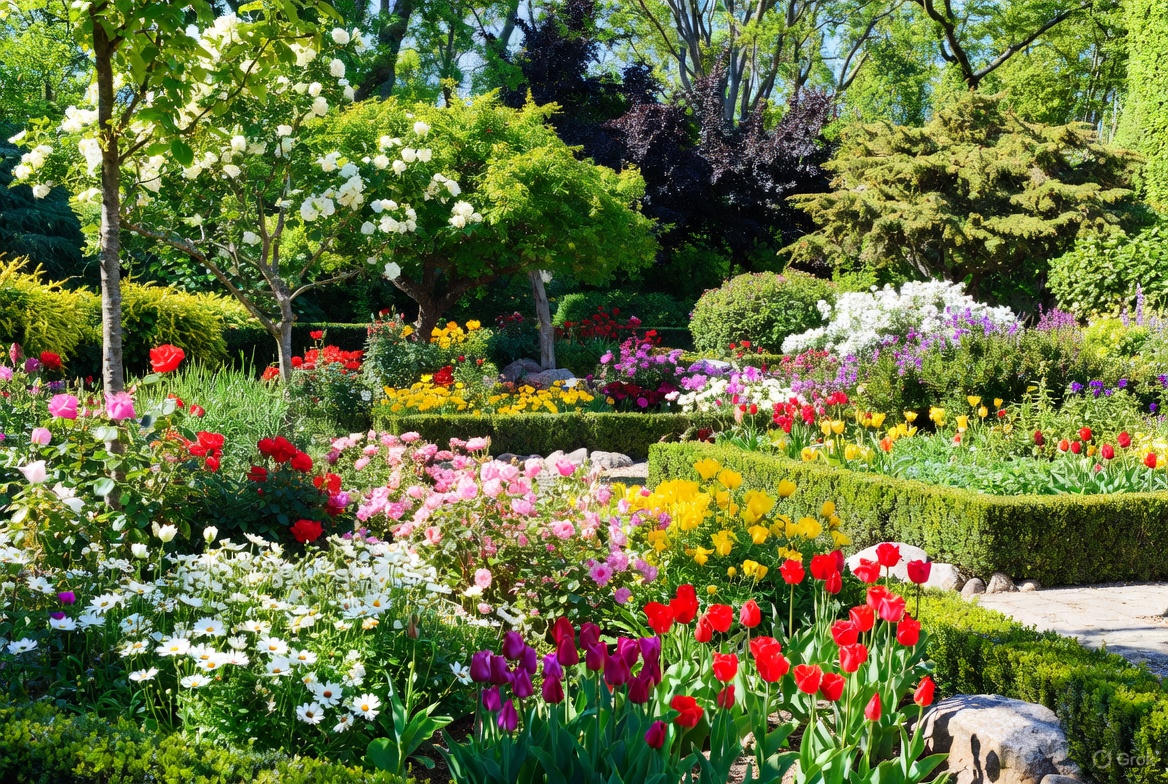
A beautiful garden does not need a huge budget or a large yard. It needs a clear idea, a few good choices, and a plan you can see before you buy anything. That is where iScape helps. You can take a photo of your space, drag and drop plants, paths, art, and seating, and test a few versions until the layout feels right. When the design looks balanced, you turn it into a simple shopping list and build it once. The result is a garden that looks intentional on day one and feels good to use.
- Add Flowers That Do Real Work
Flowers add color, and the right choices also help your garden stay healthy. They attract pollinators, discourage pests, and even improve soil. Three reliable choices to start with
- Calendula: bright yellow daisies, about 18 to 24 inches tall. Sticky sap on stems can trap pests like aphids and whiteflies, which helps protect nearby crops. Calendula draws ladybugs, hoverflies, and lacewings. In mild climates, you can sow it as a light winter cover to hold soil.
- German chamomile: small white blooms with lacy foliage, around 12 inches tall. Deep roots pull nutrients upward. After flowering, cut plants back and let the trimmings break down to feed the bed. It attracts helpful insects and smells pleasant when brushed.
- Chives: edible leaves and purple pom-pom flowers. The mild onion scent can deter deer and some insect pests. Used as a low edging, chives fill gaps, feed pollinators, and give you fresh kitchen greens.
How to design it in iScape
Take a daylight photo of your bed or containers. Drop these plants in groups so you can see color blocks from a distance. Adjust sizes and spacing until the mix feels full but not crowded. Save a spring version and a late-summer version so you know when to add or swap plants.
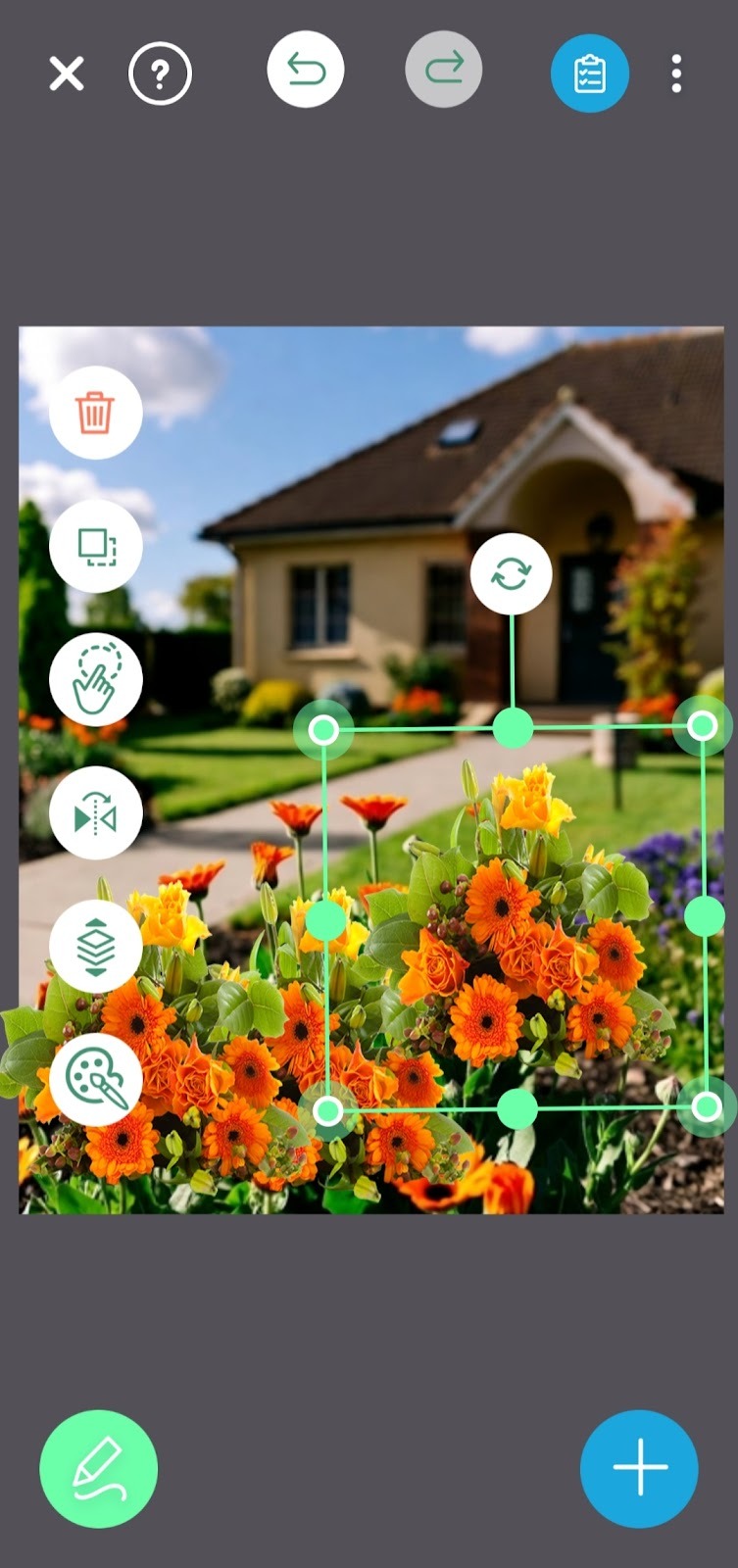
Download iScape on the App Store or Google Play Store today and start designing your front yard now!
- Choose a Simple Theme and Repeat It
A theme ties the whole space together. Pick one idea and use it across the garden. It can be a color family, such as blues and purples, a leaf style, such as narrow grasses and strappy foliage, or a mood, such as soft cottage or clean modern. In iScape, start with a straight-on photo from the spot where you will view the garden most. Place two anchor pieces first, like matching planters or two small shrubs near the entry. Then add your theme plants in groups of three or five and repeat those groups in two or three places. Step back and check the balance on your screen. If one side looks heavy, reduce the size on that side or add a vertical accent on the other side. A simple theme and a few repeats create order without looking plain.
- Lay Down Paths and Consider Raised Beds
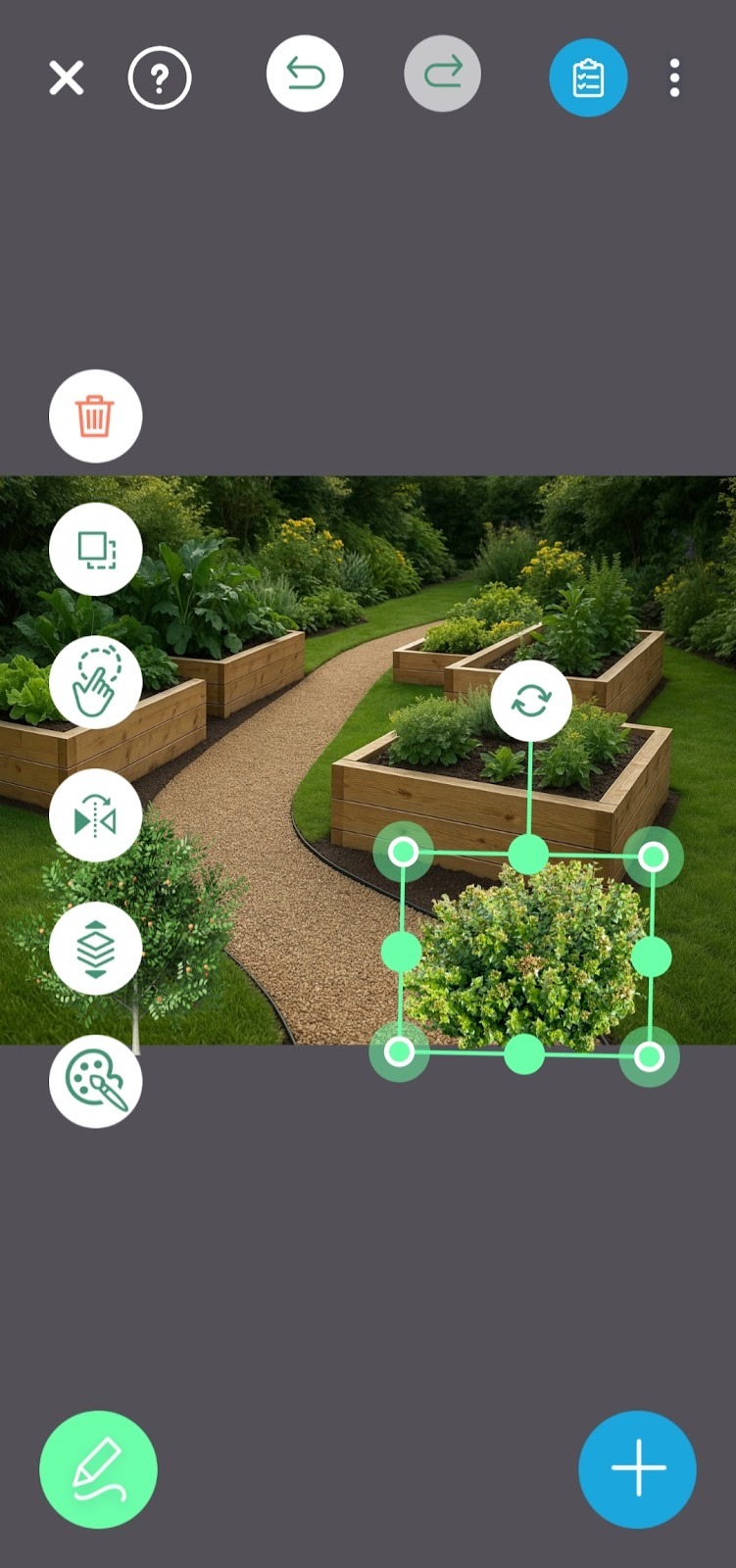
Paths add structure and protect plants. They also make the space feel larger when you guide movement in gentle curves. Keep the main walking route clear and wide. Simple path rules
- Keep the main route clear and at least 3 feet or 1 meter wide.
- Use a gentle curve rather than tight corners to make small yards feel wider.
- Edge the path with a shallow V cut in turf or a clean strip of gravel so it always looks neat.
- Raised beds help in tight or poor soil areas. They keep soil loose, make planting easier, and let you control drainage
In iScape, sketch the path on your photo, test stepping stones versus gravel, and drop in raised beds to check reach from both sides. Save two versions at different widths and pick the one that feels easy to walk.
- Add a Touch of Garden Art for Personality
One or two well-placed pieces of garden art can focus the eye and give the space character. You do not need a large statue. A metal orb near a bend in the path, a simple trellis with a climbing vine, or a small birdbath tucked into a planting group all work well. Place art where the eye already pauses, such as the end of a path, near a seat, or beside the entry. In iScape, test the placement from the porch and from the curb. If the art competes with the plants, shift it slightly or reduce its size. The goal is for the plants to lead and the art to support.
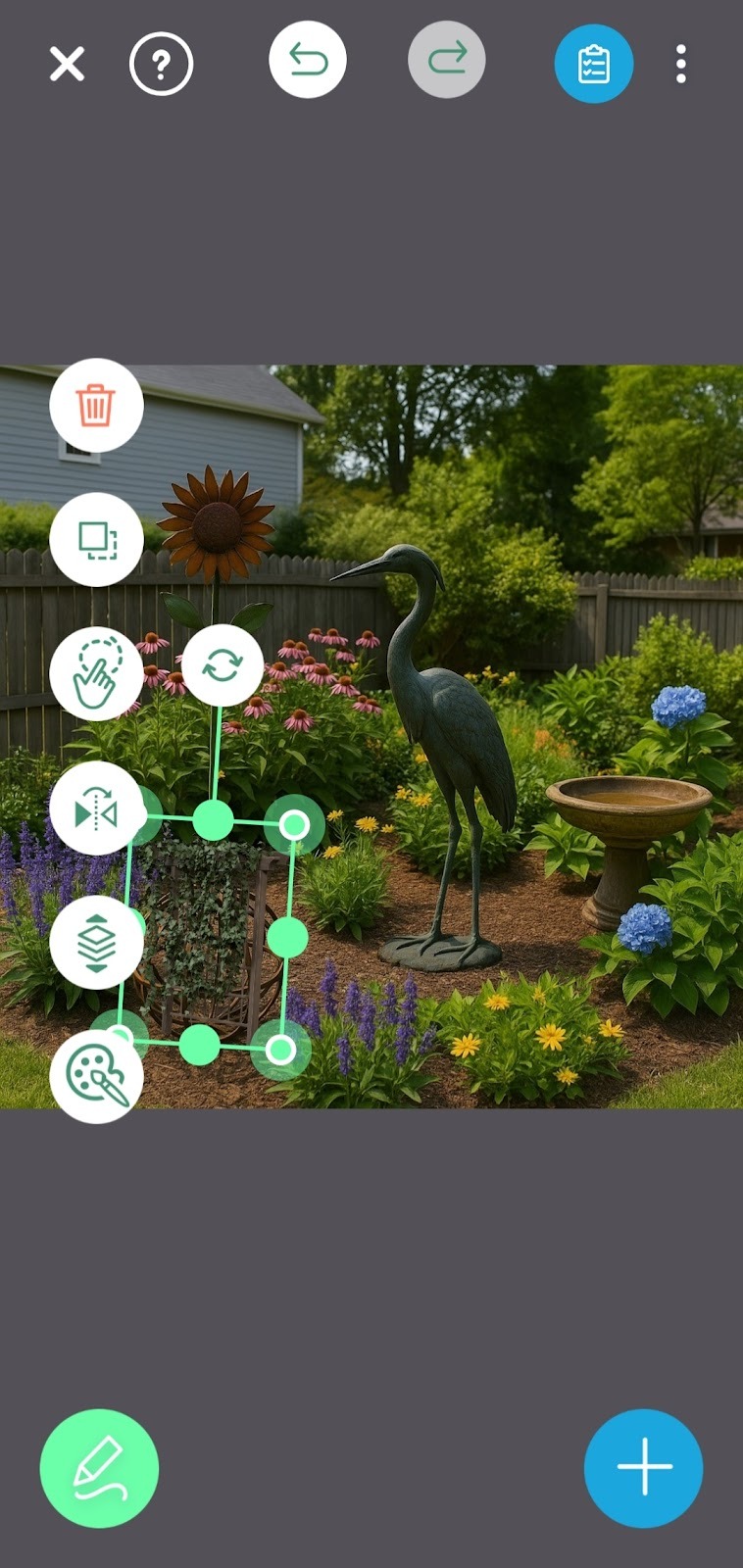
Download iScape on the App Store or Google Play Store today and start designing your front yard now!
- Create a Real Seating Spot
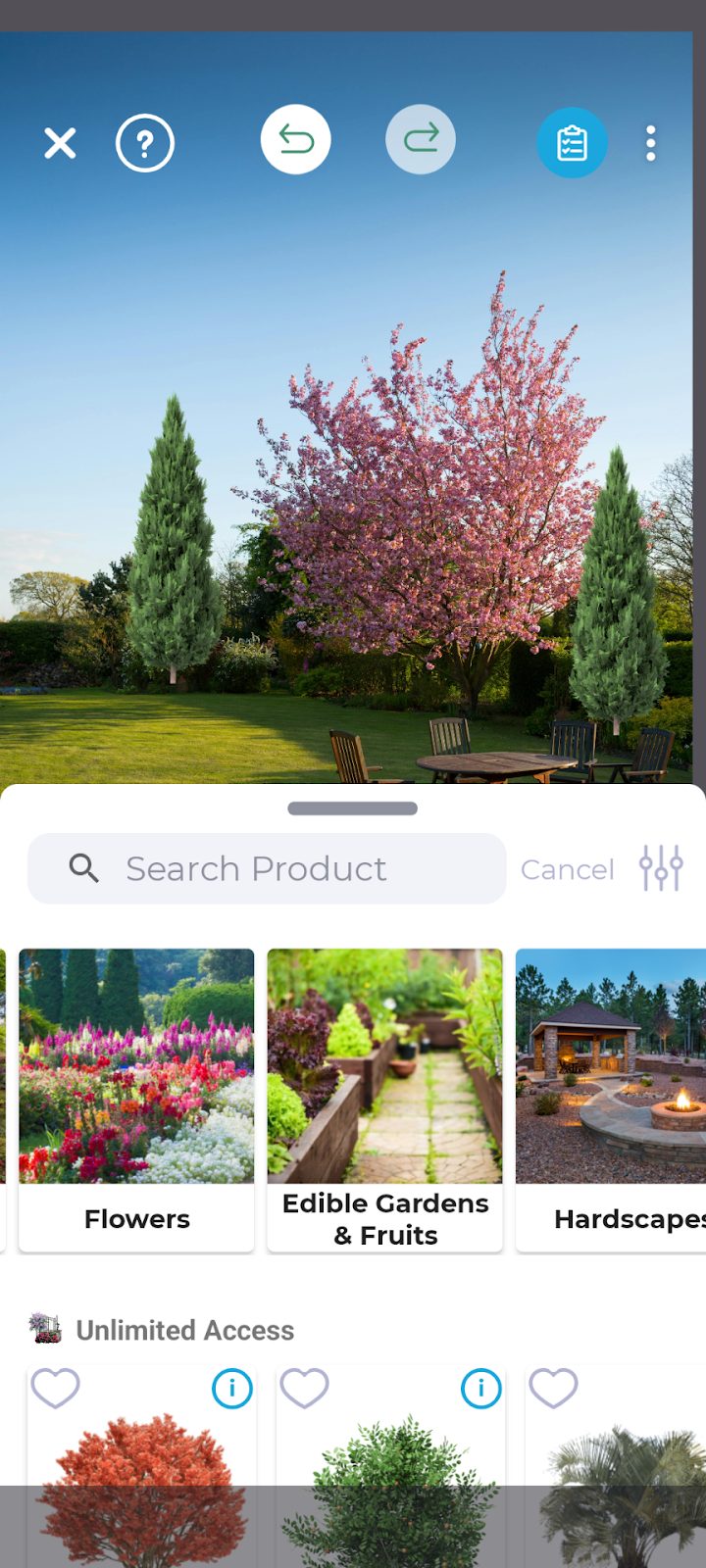
A garden should invite you to stay. Even a small seat changes how you use the space. If you have room, create a compact patio with two chairs and a side table. If you are tight on space, a bistro set on the porch or a bench under a light shade will do. Define the area with an outdoor rug and add two low lights so evenings feel warm. In iScape, drop in seating, check the space to pull out a chair, and make sure you can walk by without stepping into beds. When the layout works in the app, it will feel comfortable in real life.
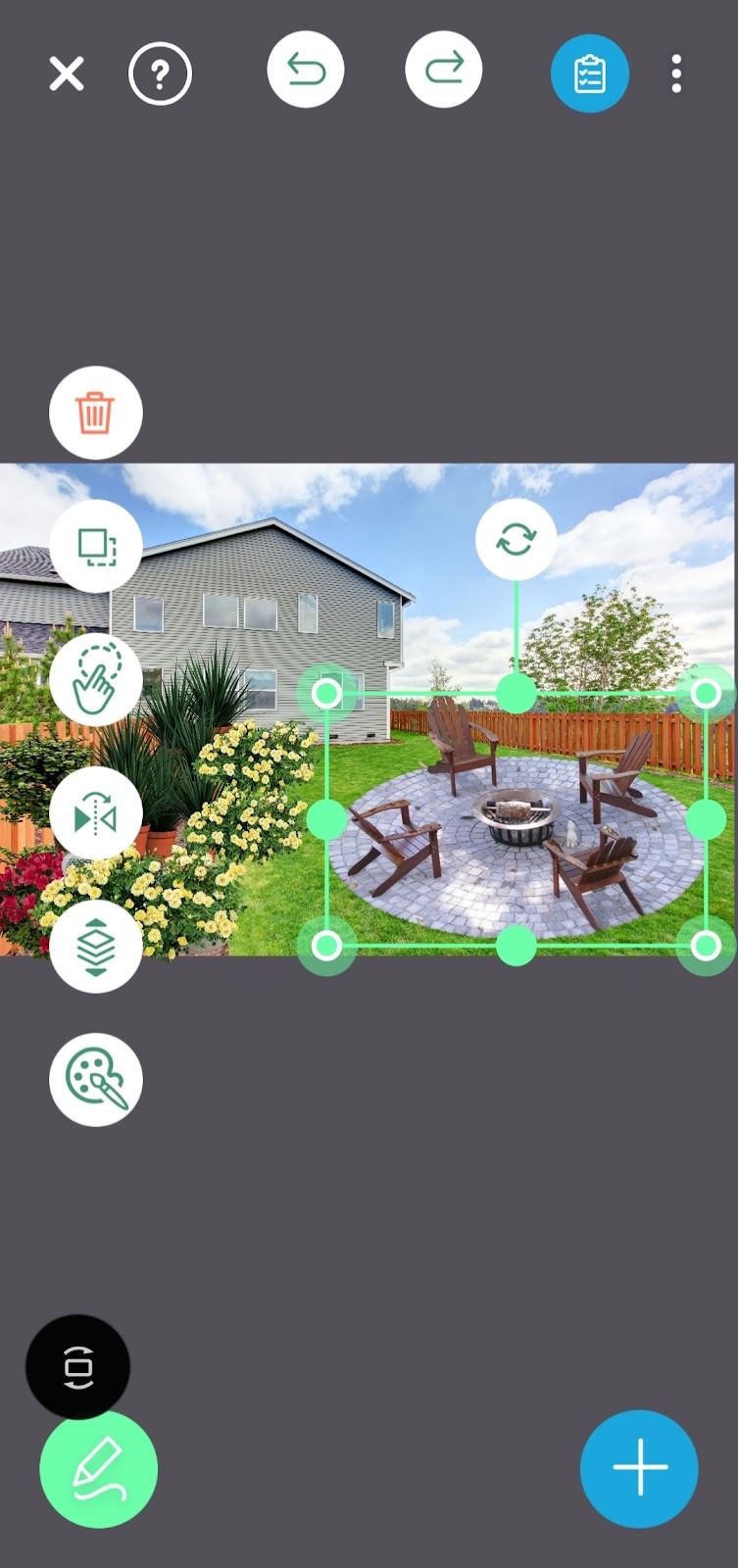
Design It First in the iScape App.
Planning on your phone reduces guesswork and saves money. Open iScape and choose how you want to start. On iPhone and iPad, you can use AR to check true size and spacing. On both iOS and Android, the 2D photo workflow is quick and accurate. Take a clear photo of your yard from the main viewing spot. Drag and drop plants, path shapes, raised beds, art, and seating. Resize items until the scene looks balanced and the path feels clear. Save two or three versions and compare them side by side. When you select a favorite, turn it into a materials list so you shop once and avoid returns. This simple process helps you spend on the pieces that matter and skip the extras that do not.
A Short Checklist to Keep Projects on Track
Pick one theme and stick to it. Plant in groups so the design reads from a distance. Keep the main path wide and open. Place art where the eye already stops. Make one comfortable seat you will actually use. If the budget feels high, reduce the number of small items and keep the lighting or the anchors, since those deliver the biggest impact.
Why This Approach Works
Grouping plants creates rhythm and calm. Clean edges and clear paths make any garden look finished. A strong entry or focal point tells the eye where to look first, which makes the whole space feel organized. Planning in iScape lets you test these choices on a photo of your own home, remove what feels crowded, and right-size the elements before you dig. You move faster on install day because you already decided what goes where.
Ready to see your garden before you plant it. Open iScape, snap a photo of your space, and try these five tricks with simple drag and drop. Compare two or three versions, pick the layout you love, and turn it into a clear shopping list. Design first in iScape, then buy, then build. The result is a garden that looks intentional, fits your budget, and feels good to use from the very first day. Download iScape on the App Store or Google Play Store today and start designing your front yard now!
FAQs
- Which flowers are easiest for beginners and still help the garden
Calendula, German chamomile, and chives are reliable and useful. Calendula draws beneficial insects and can slow soft-bodied pests. Chamomile improves soil when cut back. Chives provide edible greens, and their scent can deter some pests. Start with small groups and repeat them for a tidy look.
- How do I know if my theme is working
Look at the garden from the street or main viewing point. If your eye settles on a clear focal point and then follows a simple rhythm of repeated plants or colors, the theme works. If your eye keeps jumping around, reduce the number of different plants and repeat your best group more often.
- How wide should my path be
Aim for at least 3 feet or 1 meter for the main route so two people can pass comfortably. Secondary paths can be narrower, but keep edges clean so they read as intentional.
- Do I need raised beds?
Not always, but raised beds help in poor or compacted soil and in small spaces. They keep soil loose, improve drainage, and make planting and weeding easier. Use 3 to 4-foot widths so you can reach without stepping into the bed.


